Cutouts included. Plus full rendering with light and shadows.
With Quorb, the cutout upon upload is free. You pay for the final scene.
20 free credits. No credit card.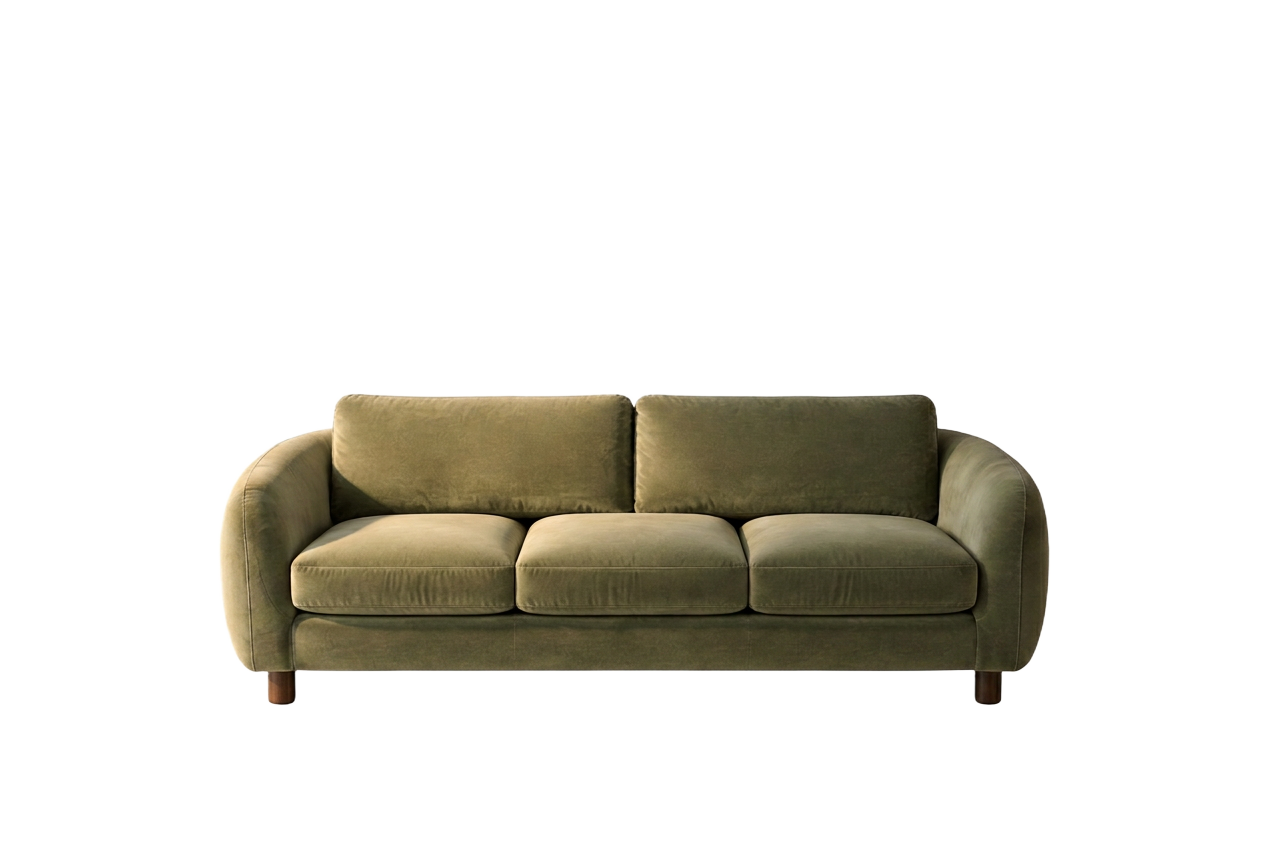 Photoroom
 Quorb
QuorbWhat are your requirements worth?
Set up your assortment. The result calculates live.
You need
240
images · thereof 0 Fashion on model
With Quorb
€54
Starter (240 Credits) + 100 additional credits
Photoroom
–
Photoroom uses monthly plans ($12.99 / $34.99 / $99) and export limits per plan, not per image.
240 images for €54 per month.
Quorb prices net per month excl. VAT Prices Photoroom according to the provider’s website (photoroom.com/pricing), as of October 2026, in original currency without conversion.
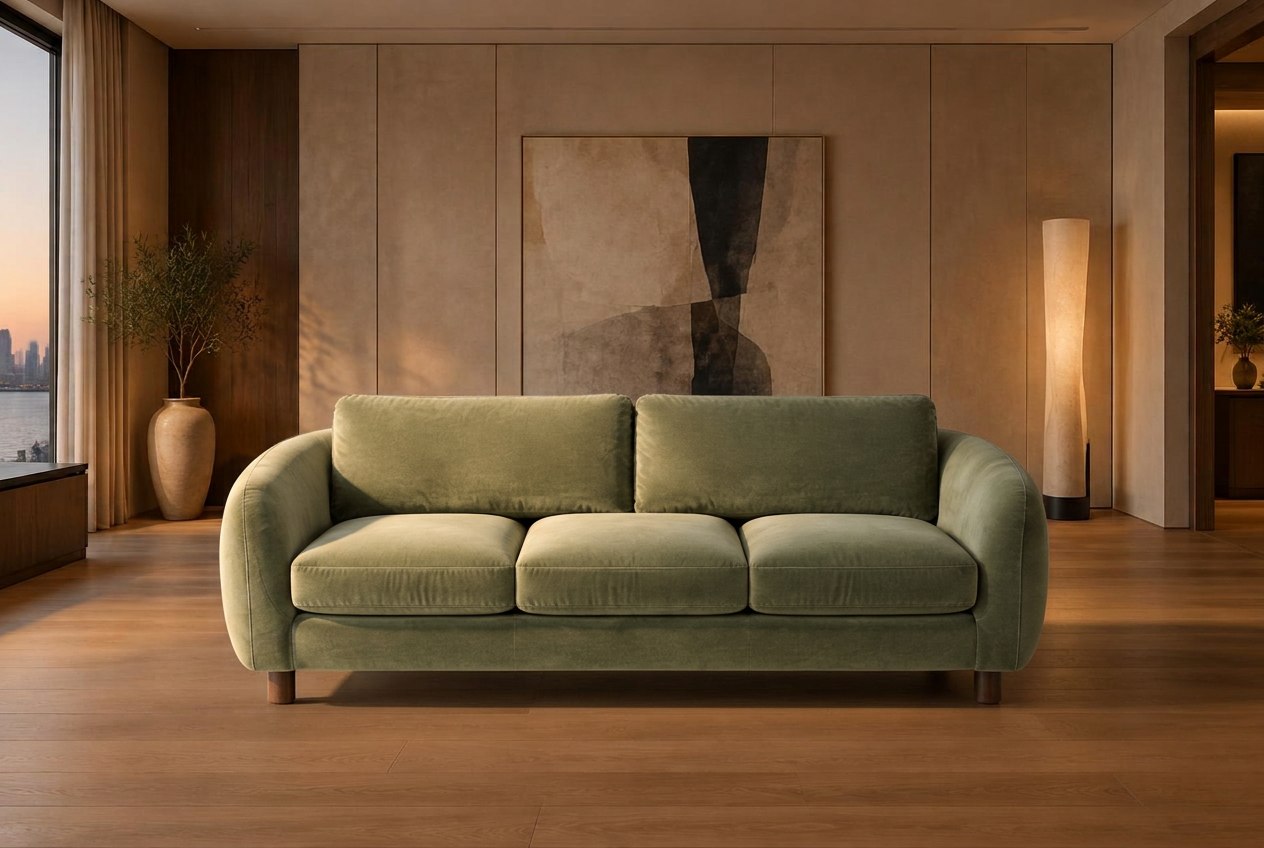
Your sofa remains your sofa.
Left: the original cutout, right: the Quorb rendering. Drag the slider.
What you get with Quorb.
| Quorb | Photoroom: verified data |
|---|---|
| Product profile with 5 views and dimensions | Pro: $12.99/month |
| Series: 1 scene × many products or 1 product × many scenes | Max: $34.99/month |
| Fabric and colour variations in the same scene | Ultra: $99/month |
| Fashion on humans with AI models | Focus: Cutouts and AI backgrounds |
| See the cost before every action | Export limits vary by plan |
| Unused credits roll over for one month | |
| Top up credits in any plan | |
| Invoice in Euro from a German GmbH | |
| Servers and data GDPR-compliant |
Prices according to provider website, as of October 2026, source: photoroom.com/pricing. Prices in original currency.
When Photoroom suits you better.
Honestly: not every tool fits every shop.
- You mainly need cutouts and simple backgrounds.
- The lowest monthly price is your most important criterion.
- You mostly edit images on the go via mobile.
Try it free.
Are you already using Photoroom? First 100 credits for free.
Try it free20 free credits. No credit card.
All comparisons